Development journal / Always9Pics
Always9Pics development journal: many photos, automatically arranged into nine
The design behind Always9Pics: smart deduplication, one to nine long images, Story Mode, seams, Cover Magic, and keeping the original photos on your device.
The first version of Always9Pics actually predates our road trip around China. It began as an unpublished Chrome extension based on an idea I had wanted to try for a long time.
Where the idea came from
I love photography, and after taking a large batch of photos, choosing only nine for WeChat Moments or Weibo was frustrating. There were far more than nine good ones. Even on platforms like Weibo that allow more images, swiping through them individually can be tiring. Could I build something that automatically turned any number of photos into nine images?
What the app does
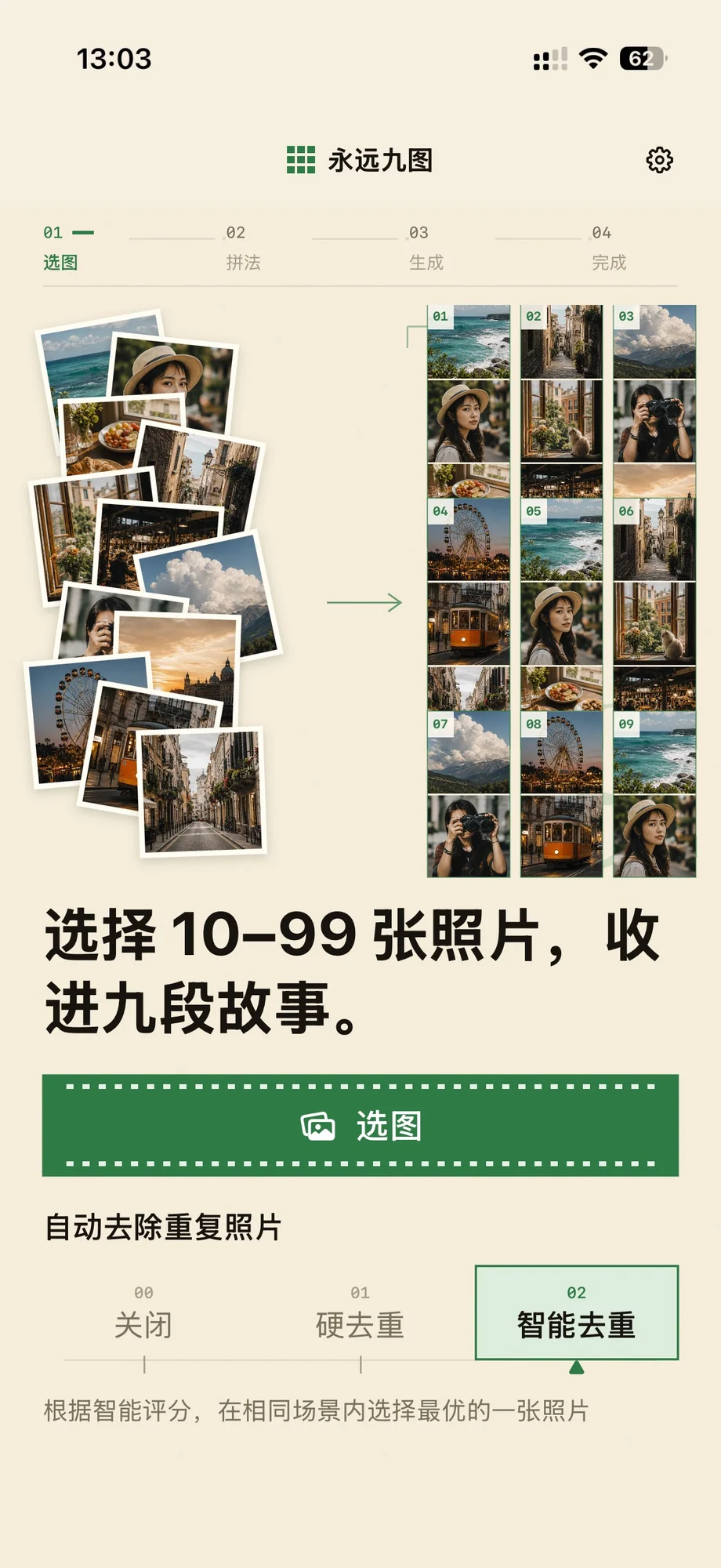
The whole idea of Always9Pics is to avoid choosing. I do not want to think about it or pick through the photos. After visiting somewhere, I can select all the photos from that day or date range. Unless screenshots or other non-photo images are mixed in, there is no need to sort through them first.
Smart deduplication
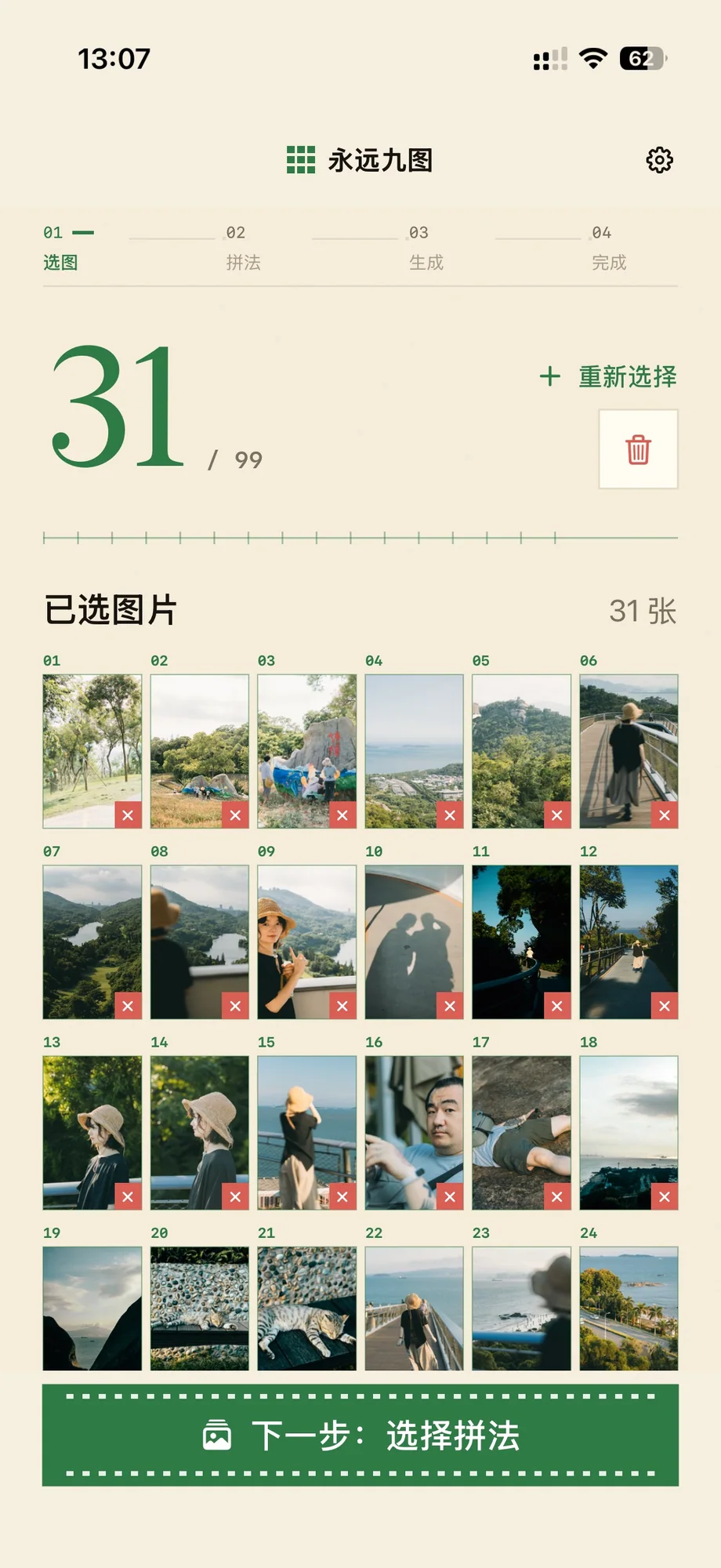
Always9Pics has smart deduplication. I have gone through two versions of it. The first used a simple algorithm that removed obvious repeats such as burst shots. The second keeps the best image among photos of the same scene and composition. It is much more effective and gets close to the feeling of importing everything without ending up with too much repetition.
More than nine
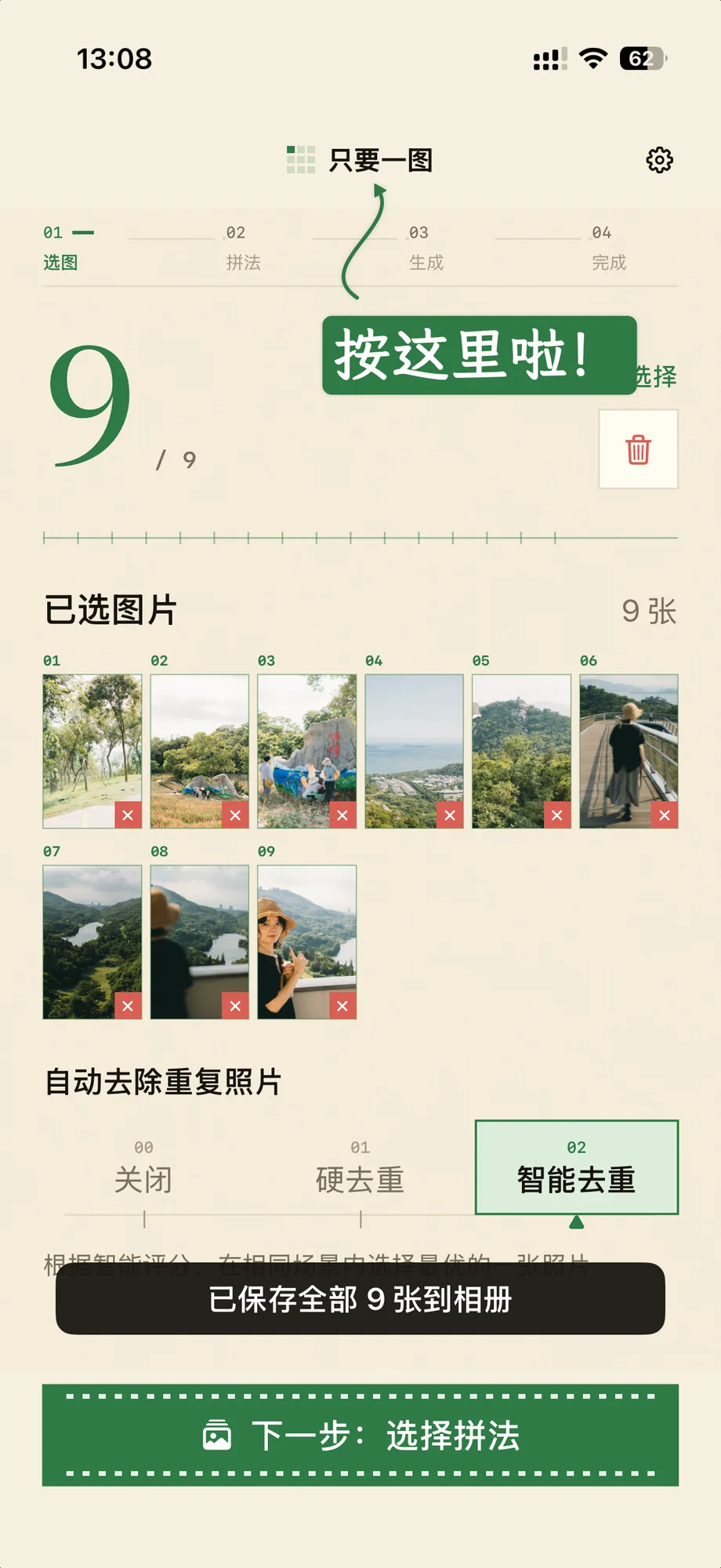
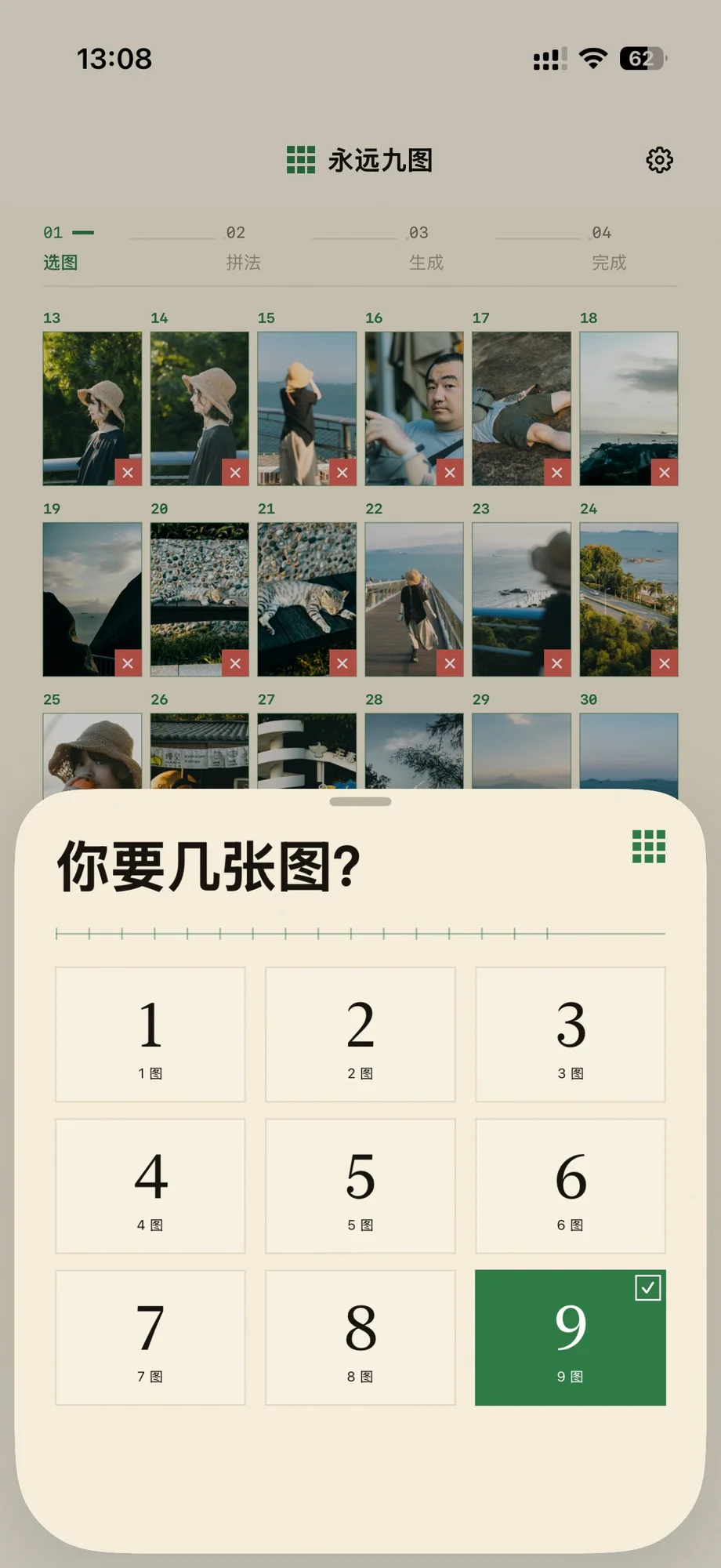
The app can also make a single long image or any number below nine. Where is that option? Tap the title to switch to “Just One,” or press and hold it to choose between one and nine long images.
Grouping and seams
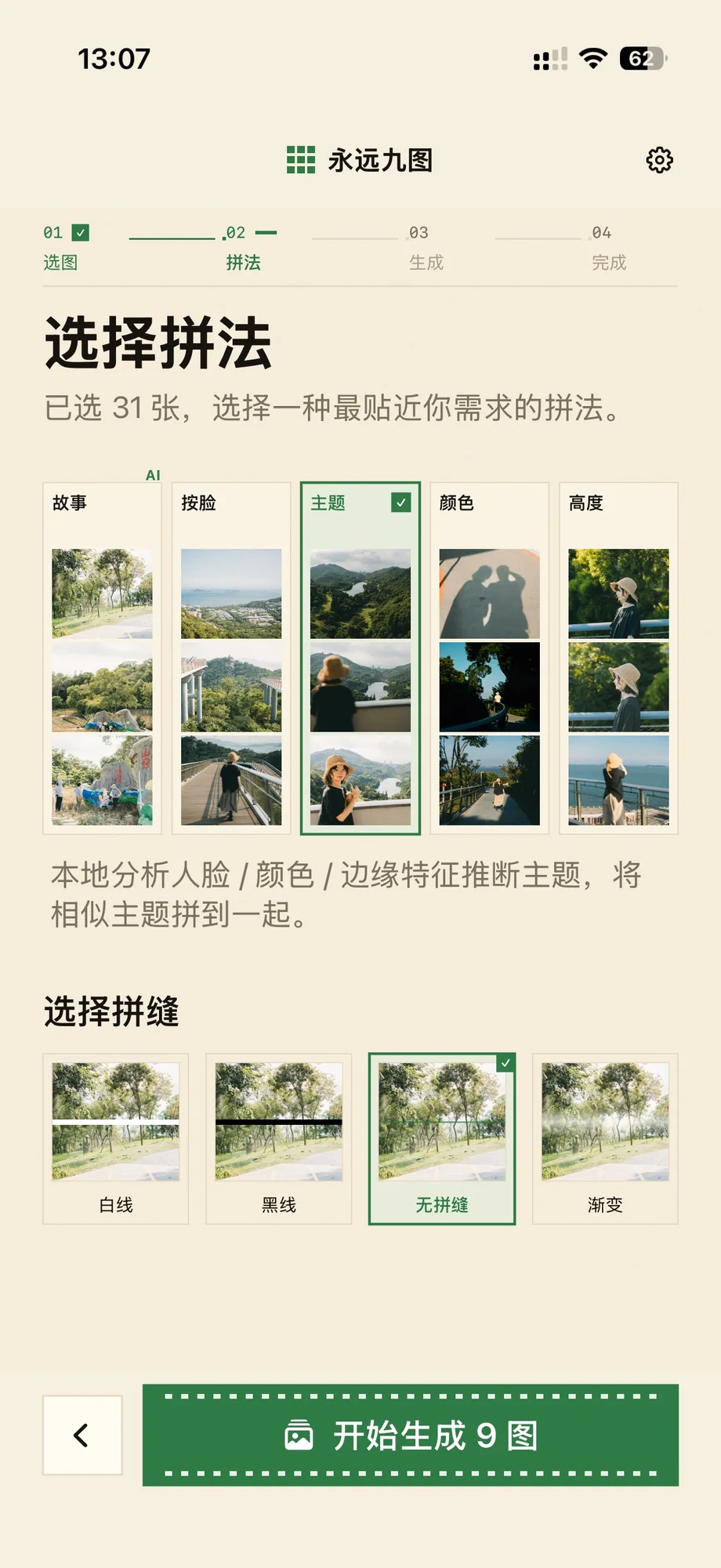
All grouping methods except Story Mode run entirely on the device. Story Mode sends only locally extracted tags to a language model for sorting; the photos themselves stay on the device and are not uploaded. You can group by face, putting the same person together; by subject, such as food, scenery, or portraits; by overall color; or by height, making the final long images as similar in height as possible.
Story Mode gives my favorite results. The language model considers several factors as it sorts and groups the photos. The result can be surprisingly good, with an unexpected sense of narrative.
For seams, choose black, white, no visible seam, or a soft feathered gradient.
Cover Magic
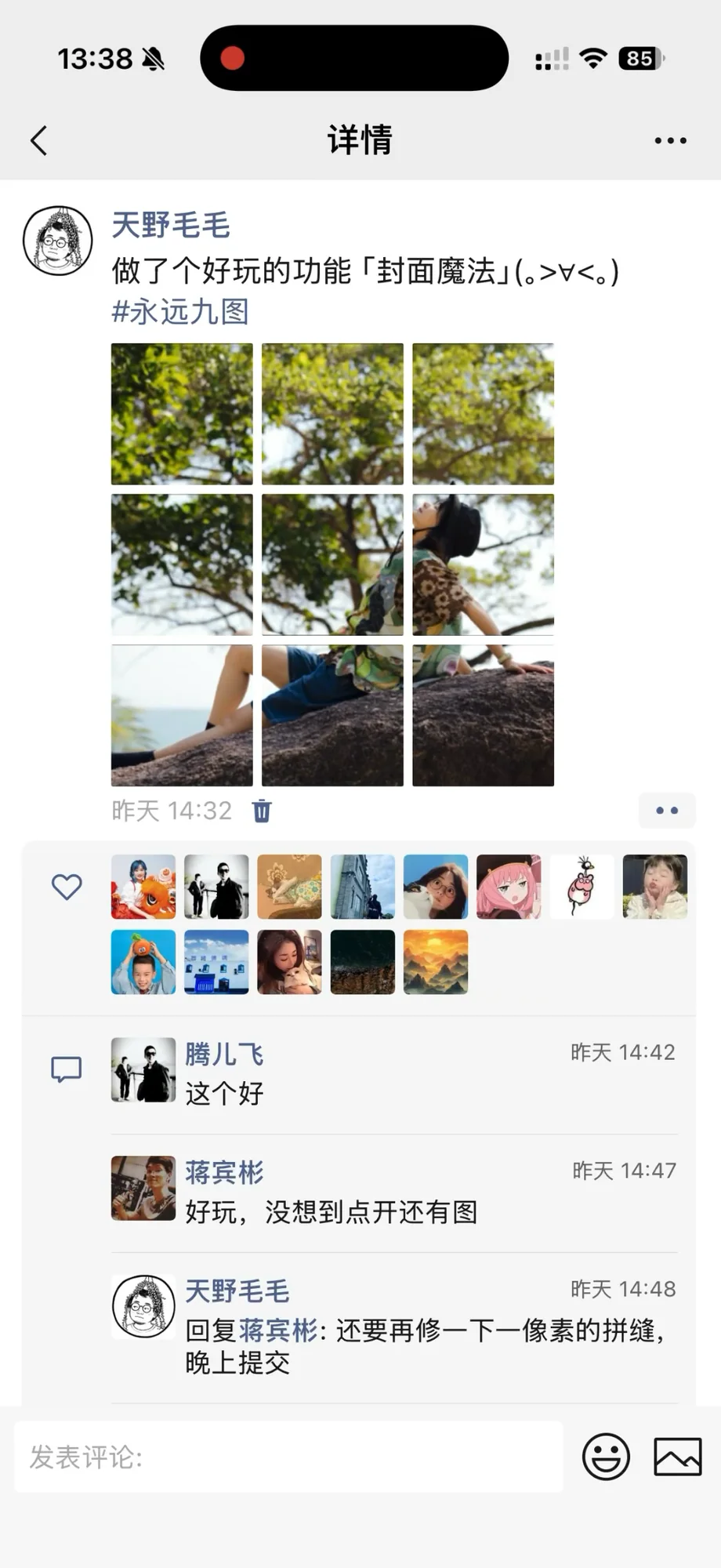
Cover Magic is a newer feature that works only in nine-image mode. It cuts one photo into nine pieces and inserts them into the nine collages. Viewed as a grid in WeChat Moments or a similar feed, the tiles form that cover image. Open any tile, though, and there is more inside: the long collage created earlier.
The principle is simple. WeChat Moments takes a centered square crop for each thumbnail. Cut the cover into nine pieces and place one in the center of each long image. The hard part was realizing that; once I understood it, implementation was straightforward.