Development journal / StepChef
StepChef development journal: a cooking assistant born in the kitchen
From struggling with recipes and wet hands to StepChef: recipe importing, shared ingredient preparation, step-by-step cooking, and our family cookbook.
This product grew entirely out of my own needs and repeated use. It was born in the kitchen and developed there. After our road trip around China, Yang and I began cooking at home. With home-cooked meals, less takeaway, and less oil and sugar, I lost 20 kilograms and Yang lost roughly 5 kilograms.

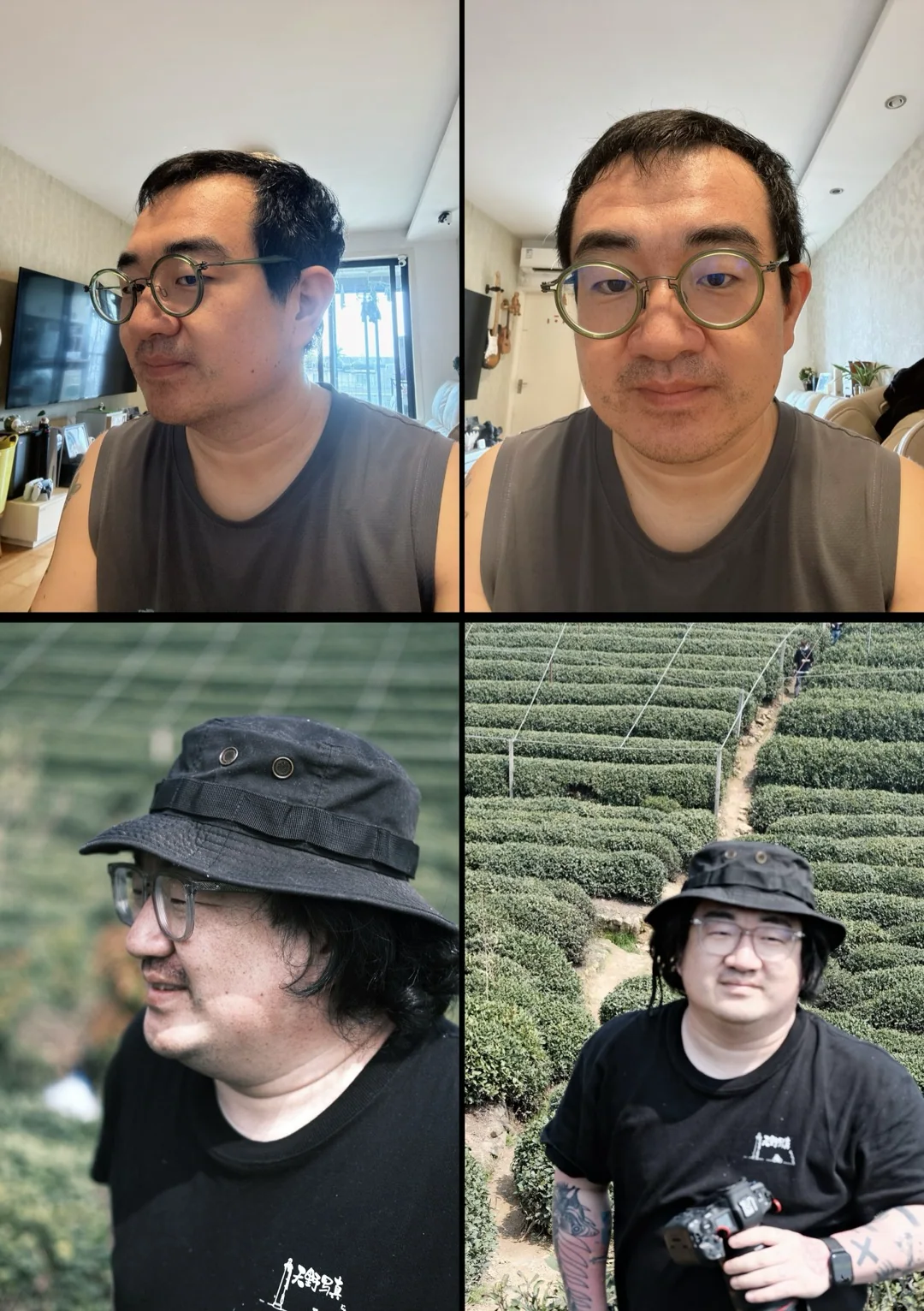
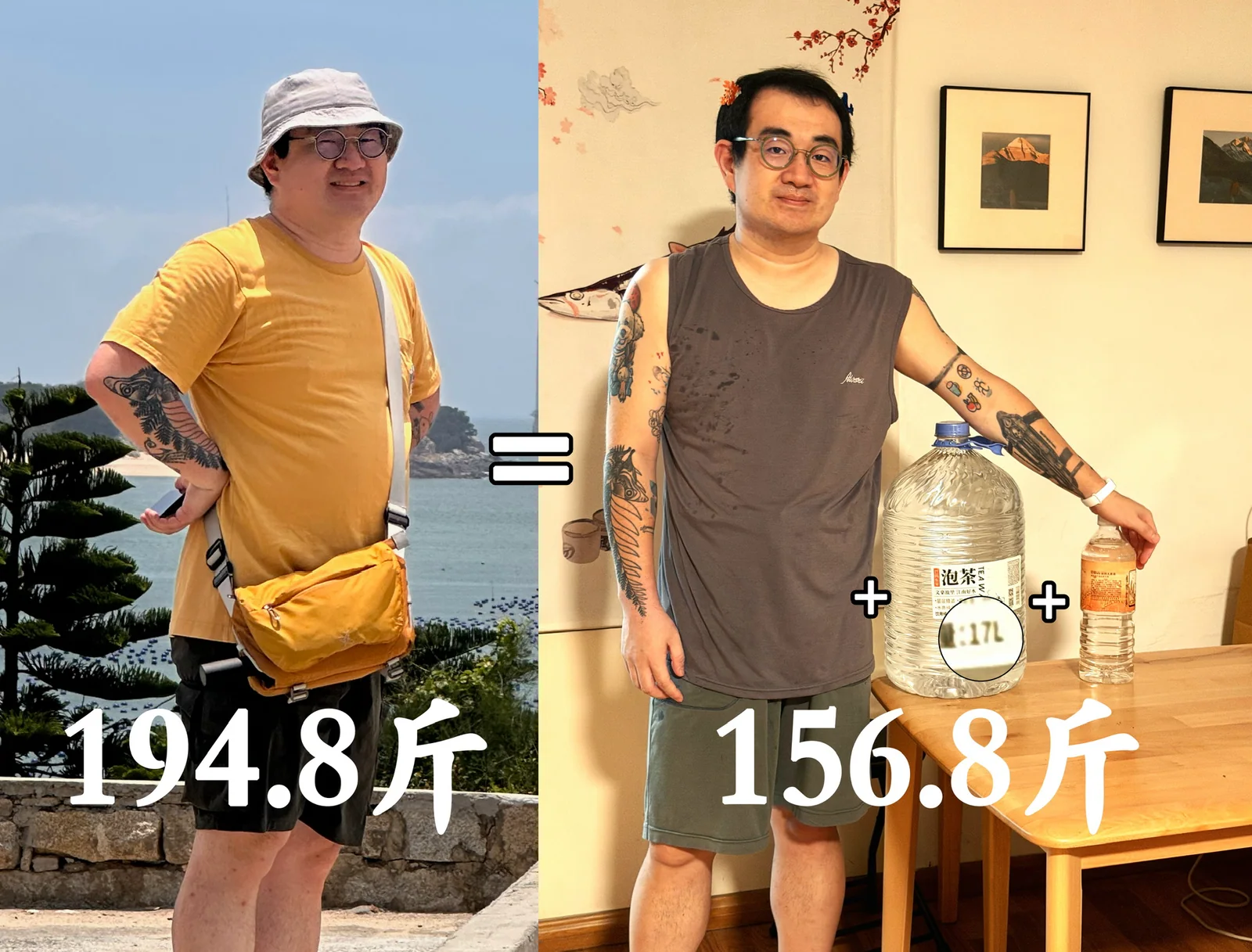
Where the idea came from
Neither of us was an experienced cook at first. We had to find recipes before cooking and keep checking the steps while cooking, which caused all sorts of little frustrations.
Most of our recipes came from Xiaohongshu or Douyin, rather than dedicated recipe apps. We would save posts or copy the instructions into flomo. In the kitchen, the phone sat on a MagSafe suction mount attached to a cupboard. Its screen kept turning off, so we had to wake it and enter a passcode or use face recognition. With wet hands, even tapping the screen could be irritating.
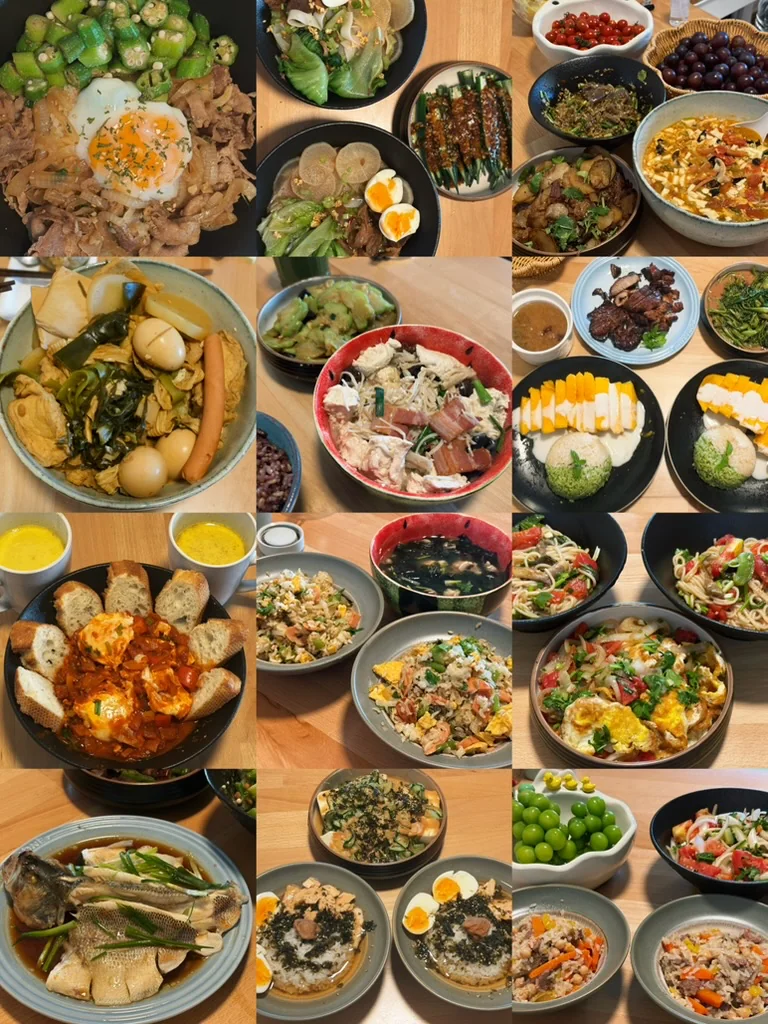
The original idea was simply a recipe viewer that kept the screen awake and let me turn pages by voice. That was how StepChef started. Cooking at home was healthy and affordable, and I loved the flow of getting better at chopping and tossing food in a wok. Cooking together also brought us closer. Two people can prepare ingredients quickly, work on different dishes, and wash utensils as they go. It is much more efficient than cooking alone. For us, sharing the kitchen became pure enjoyment rather than a chore.

We also improved our kitchen routine in small ways. We bought matching stainless-steel prep bowls for ingredients and seasonings, rather than using dinner plates. Once a bowl is empty, we wash it immediately; when we need another, we take one from the stack. They are small enough to sit on the windowsill and extremely light, so filling one and tipping its contents into the wok feels effortless. With a big meal to prepare, seeing each ingredient neatly arranged in its own bowl is satisfying instead of chaotic.
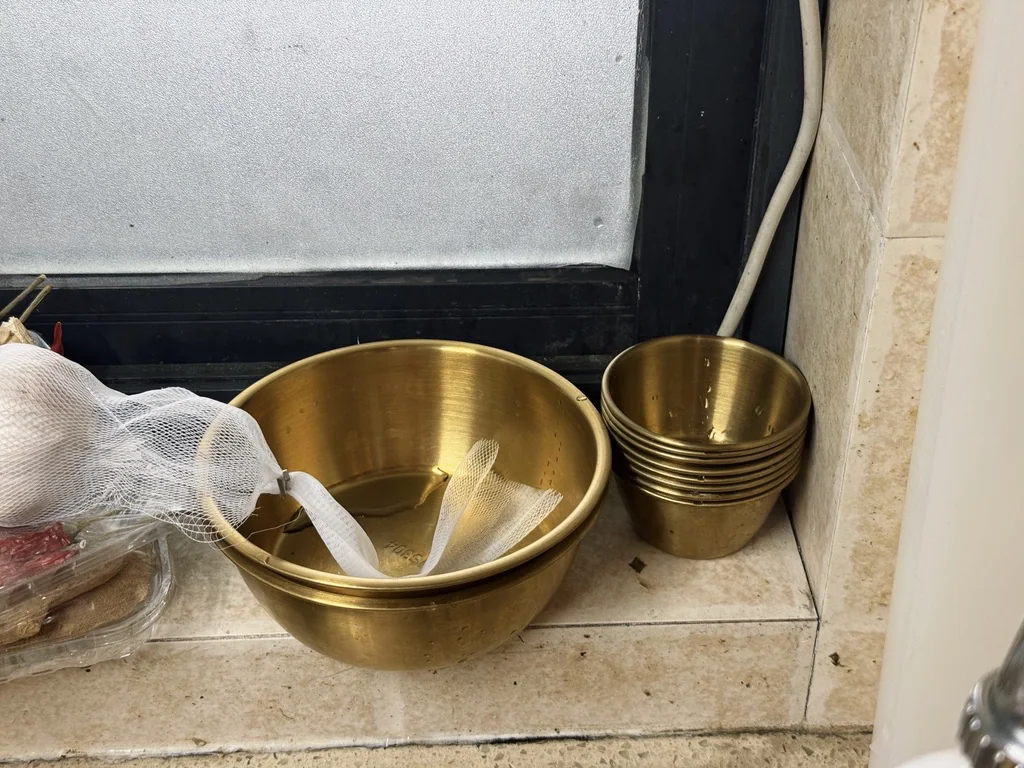
There was a small incident with those bowls: I ordered four with a 14 cm diameter, but the seller sent 13 cm ones and I did not notice. Only when I ordered more and the new ones were larger did I realize what had happened. I asked the seller to refund the difference.
The MagSafe phone mount is another important tool. It is not there for watching shows or listening to podcasts while cooking; we pay attention to what we are doing. For months, we rarely repeated a dish, so checking a recipe was essential. With the phone on the cupboard in the right place, a quick glance is enough.
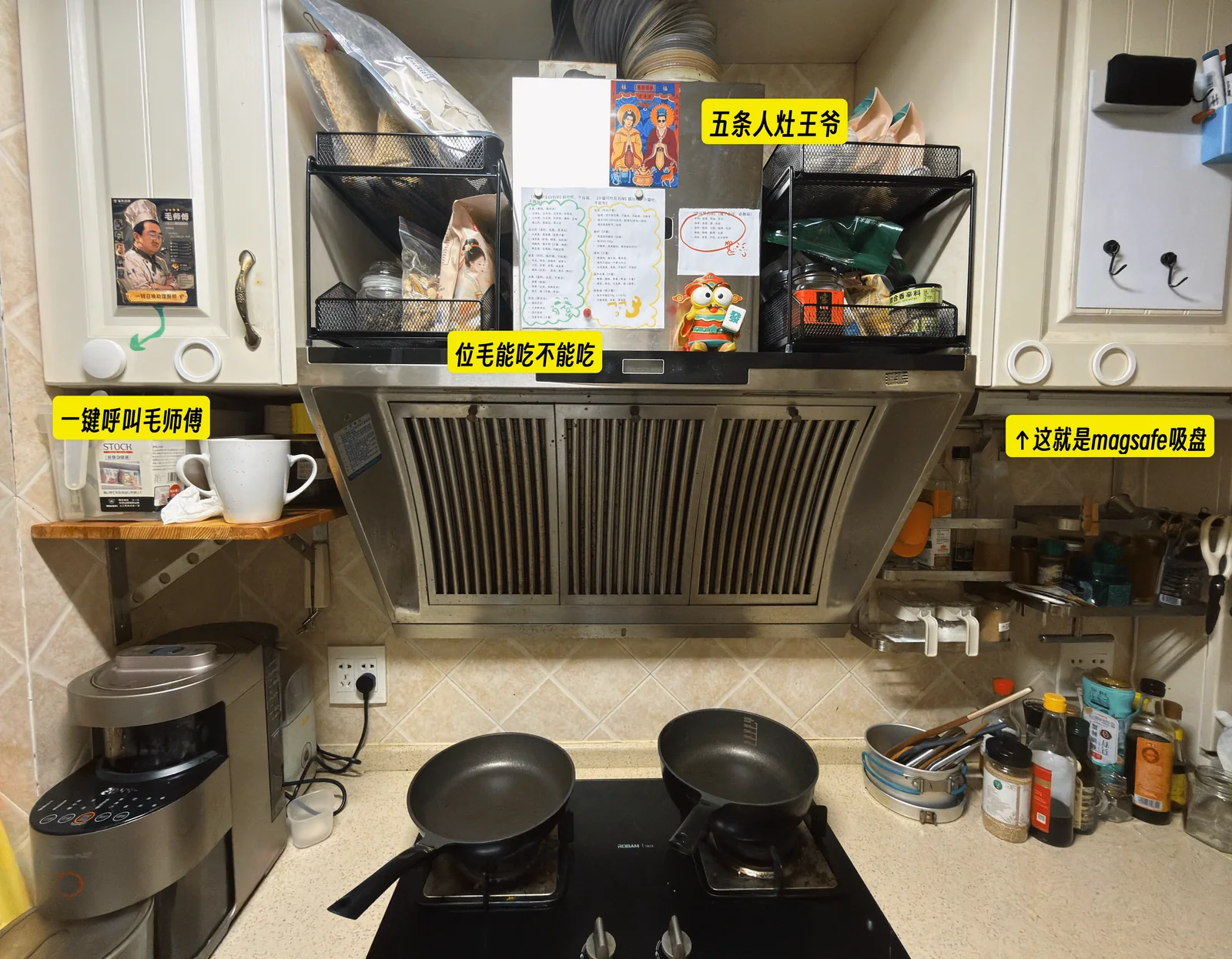
As we grew to enjoy cooking, we made a paper family cookbook. We printed each dish's name on a label and stuck it inside, like a restaurant menu. Before long, our app would replace that paper version.
What the app does
Finding and importing recipes
The default recipes are found and organized by a large language model. Their quality is not as good as recipes contributed by real people on Xiaohongshu or other cooking platforms. That is a weakness of the product, so I added other ways to help.
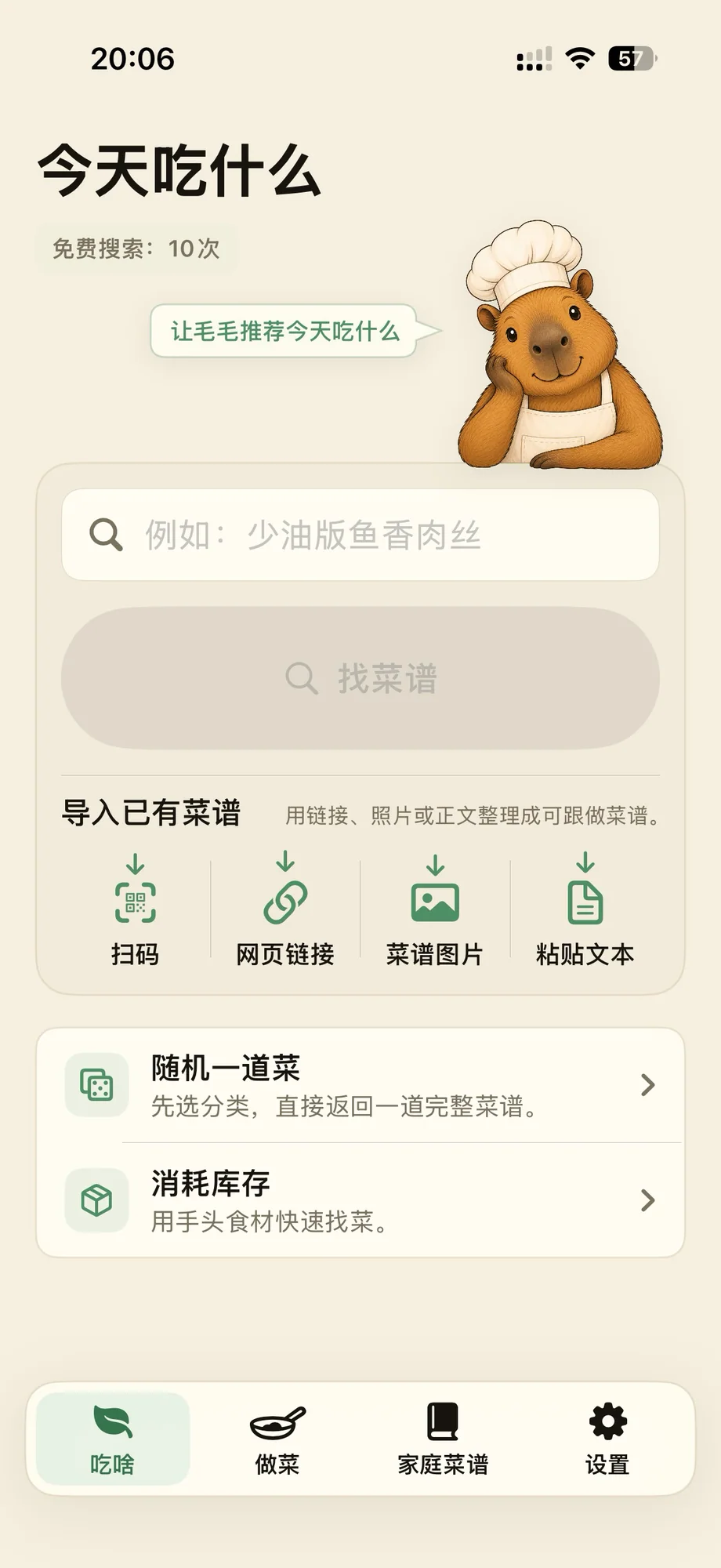
Several ways to get started You can import a recipe from an image or from text.
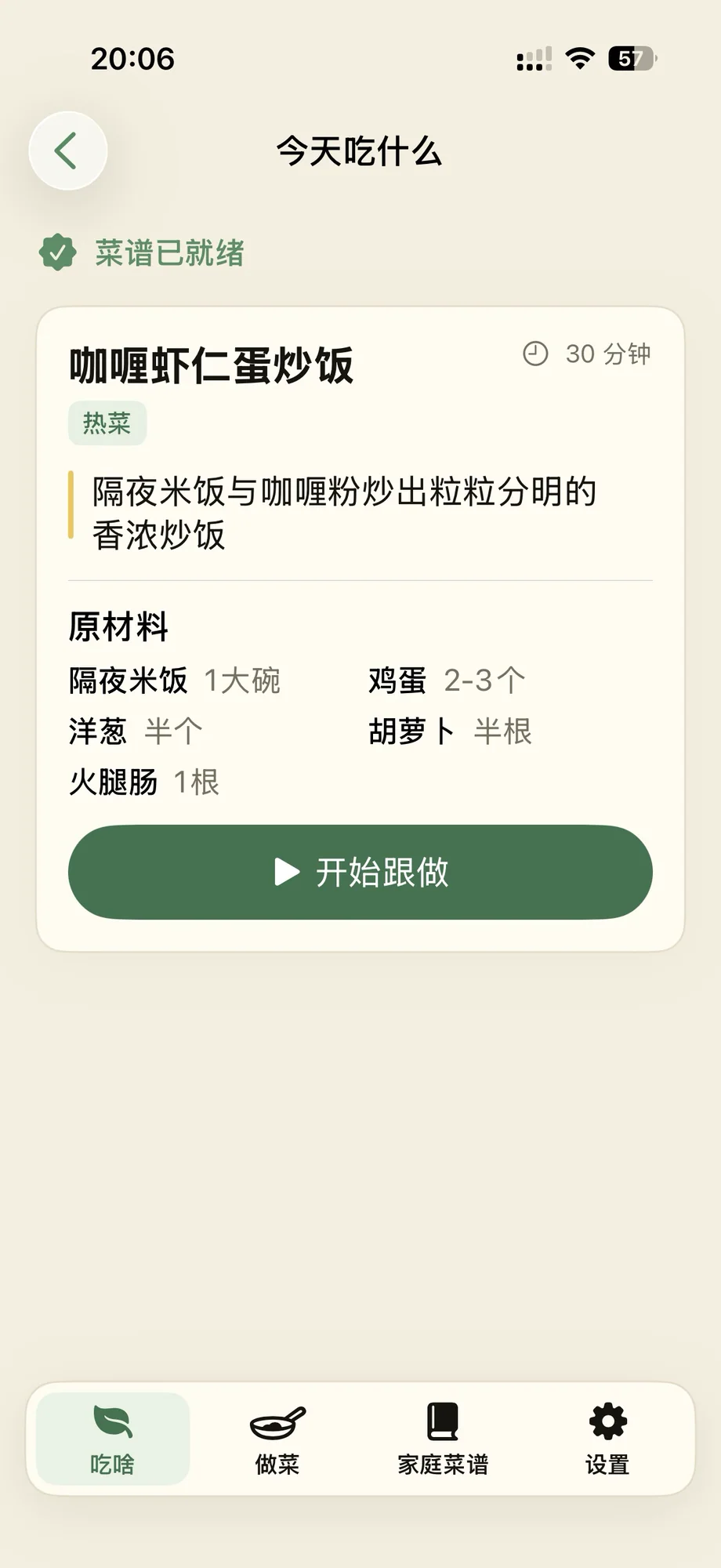
An imported recipe There is a companion Chrome extension called “毛毛在小红书上找菜谱” (Mao finds recipes on Xiaohongshu): https://chromewebstore.google.com/detail/ijpbpfkjjmicjhbjepdcffgmgdhiejgh?utm_source=item-share-cb . It organizes image, video, and text recipes from Xiaohongshu into StepChef's format, which you import by scanning its QR code in StepChef. Because the code carries the information as Base64, scanning is extremely fast and the transfer does not require an internet connection. Why not simply share a Xiaohongshu post to the app and extract everything there? I do not run a server for this workflow. The processing, including image OCR and video/audio parsing, happens locally.
Following a recipe
The main cooking screen is essentially a to-do list. Each step is clear; finish one and check it off.
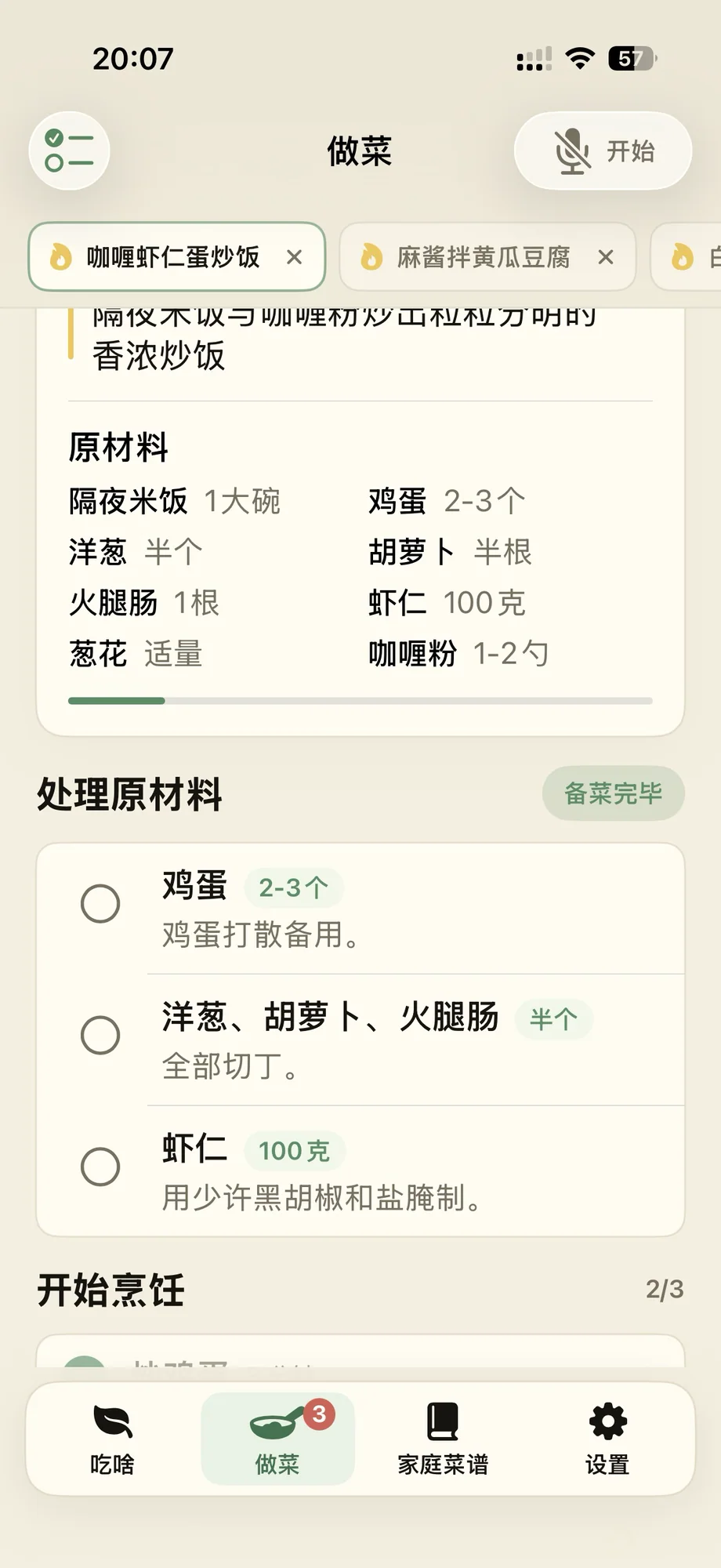
The main cooking screen Ingredient preparation can be combined across several dishes. One screen shows everything you need to prepare, and you can check off the ingredients one by one.
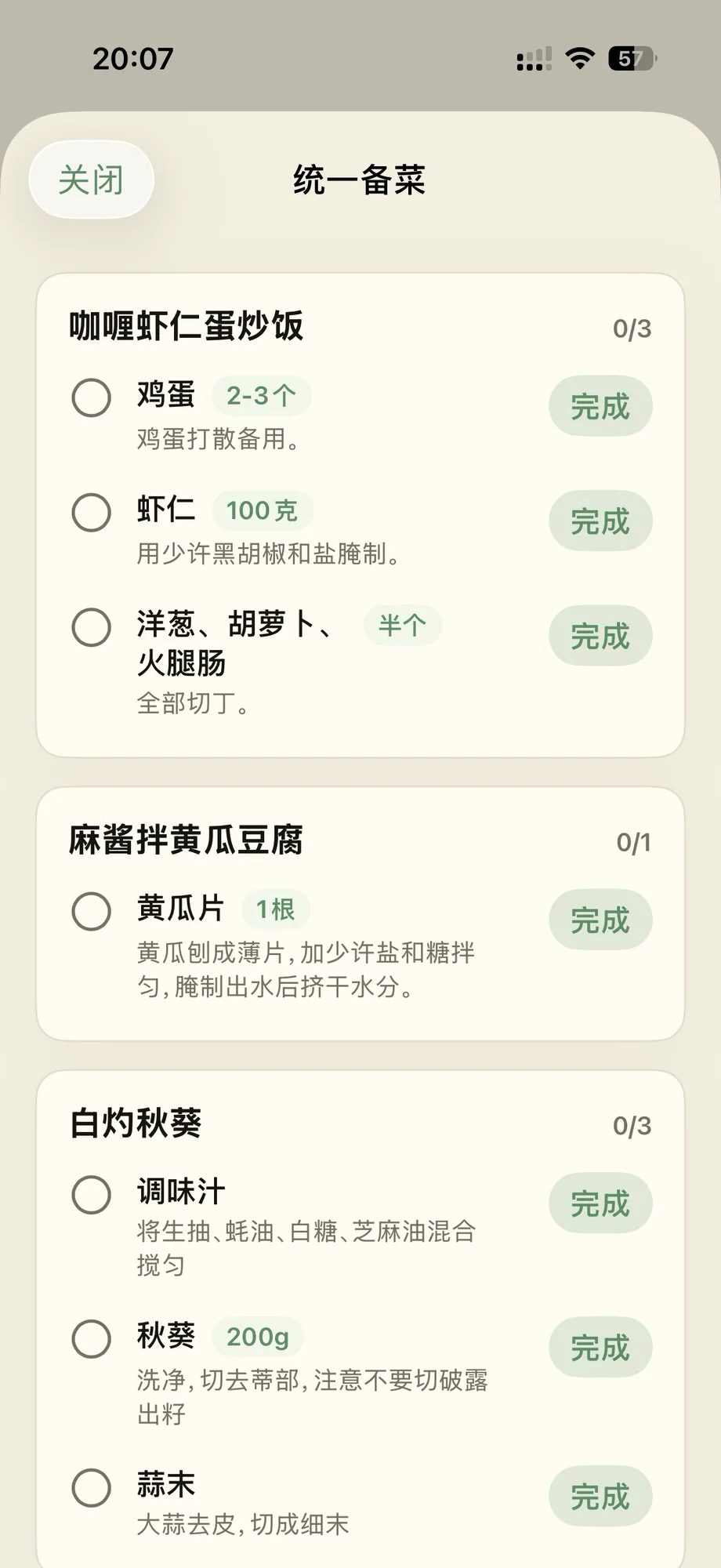
Preparing ingredients for several dishes together
The family cookbook
When you mark a dish as finished, it is added to the family cookbook so you can make it again later.
I later added the ability to take and attach a photo. Every dish we have made can now have a cover, making the collection feel more like a real cookbook.
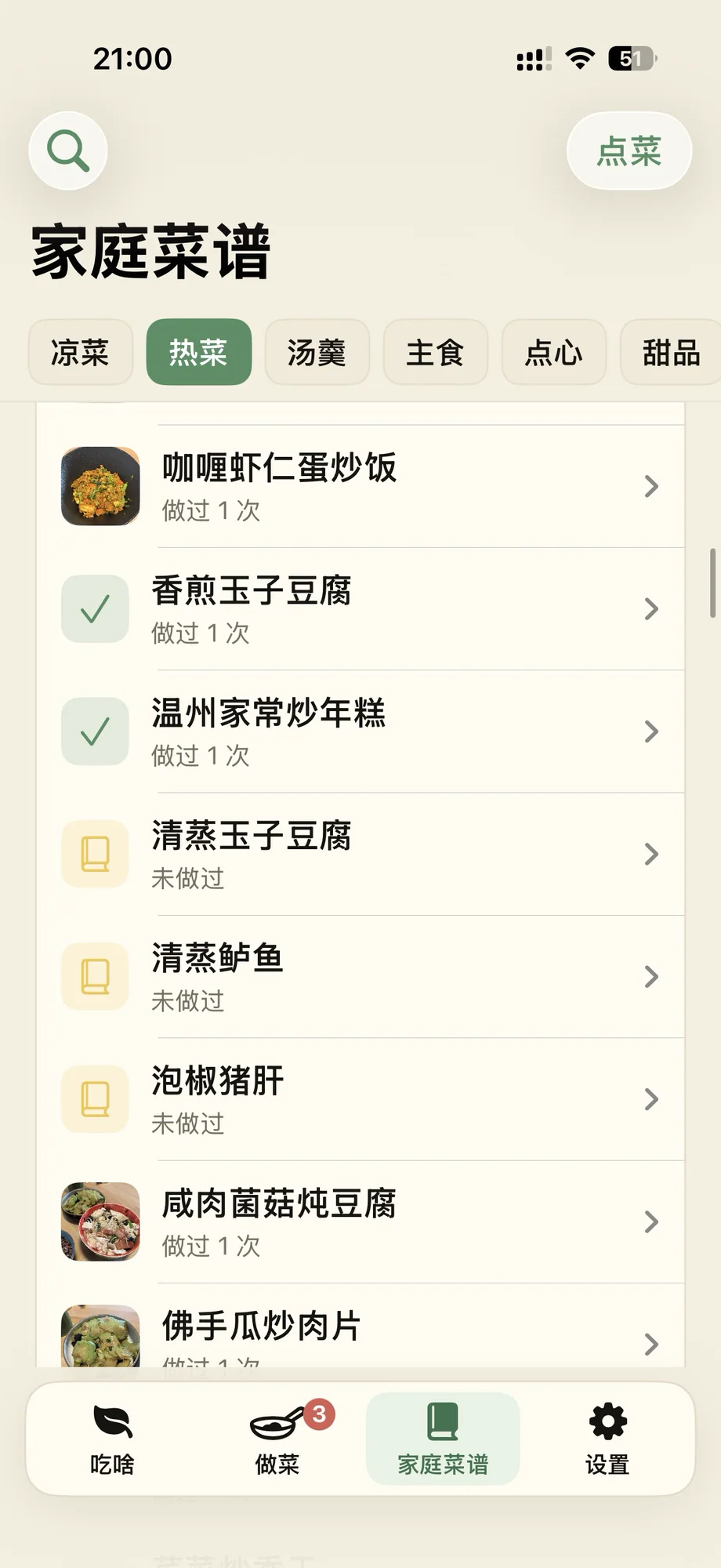
The family cookbook There are smaller features too. Enter the ingredients you already have, and the app can suggest up to five dishes that use them. On the home screen, “Let Mao suggest today's meals” recommends breakfast, lunch, and dinner based on the number of people, dietary preferences, and dishes you have cooked before.
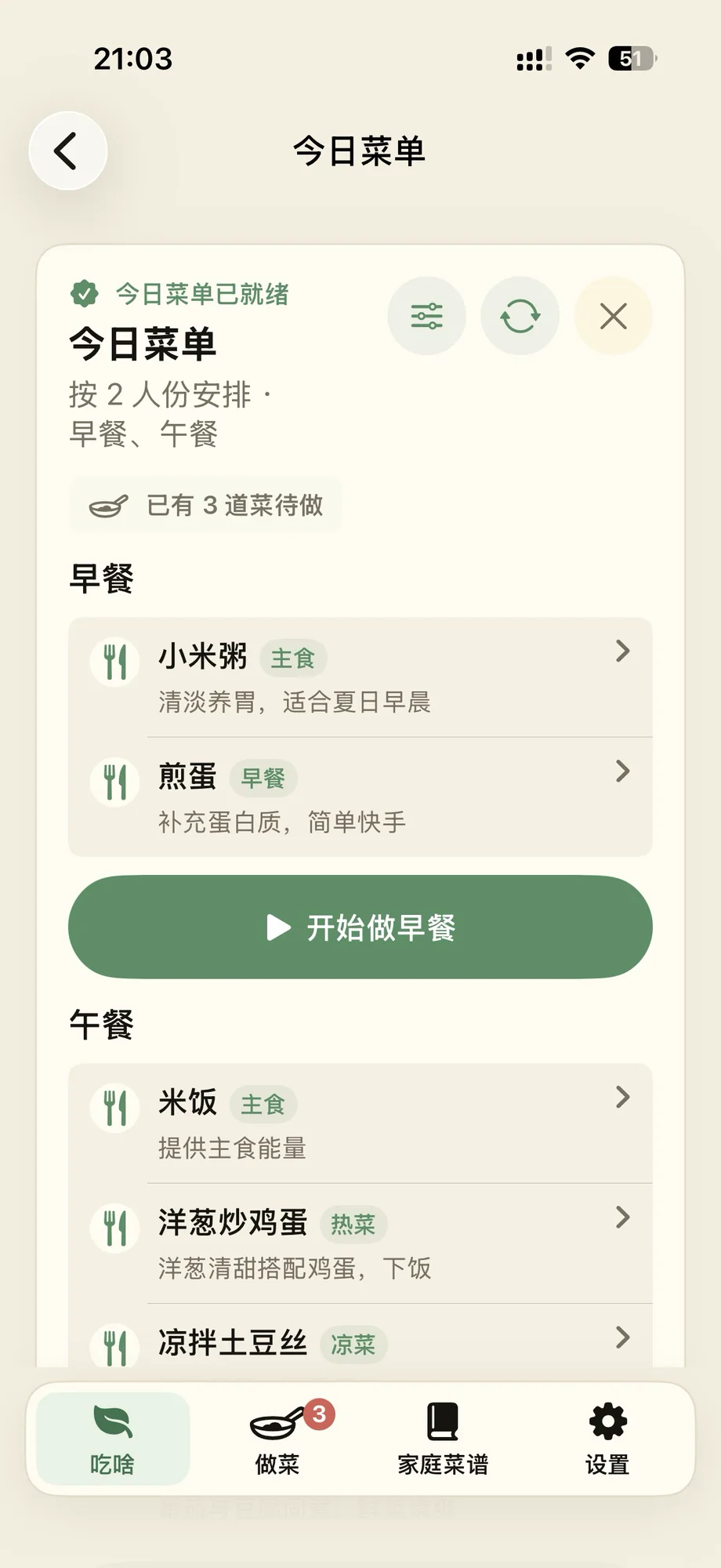
Mao's meal recommendations I added iCloud backup simply because I did not want to lose my own data.
At the time of writing, the app offers ten free recipe searches per day. For an ordinary user, that makes it effectively free.
A few closing thoughts
I think of this as a cooking assistant more than a recipe app. It is not really for someone who has never cooked and still needs to learn the basics. It suits people like us: always exploring new dishes and collecting recipes, but forgetting the next step and needing a quick glance at the instructions. It is a tool I made for myself. If that sounds like you, give it a try.